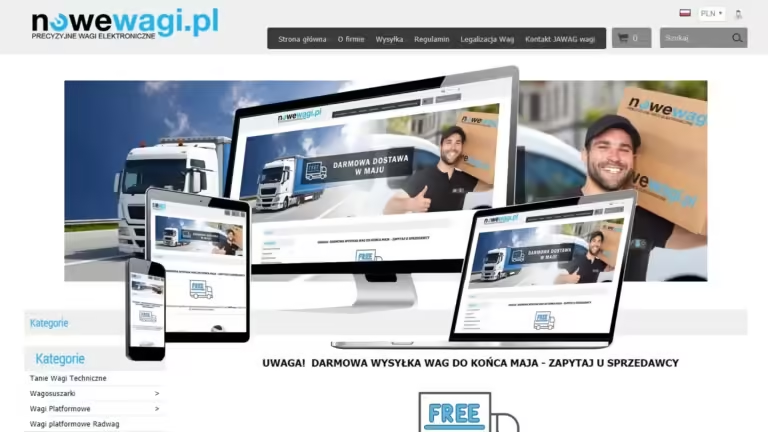







Creating online stores Today, it forms the foundation of many companies' strategies, striving to expand their reach and sales online. The process of creating a professional e-store involves a series of steps, starting with precise planning and ending with intensive marketing activities. Below you'll find discussion of the individual stages of creating an online store along with practical tips that will help you effectively enter the e-commerce market.
Planning
Market analysis and definition of business goals
Planning is the first and most important stage that shapes the subsequent the success of the online store. In this phase, you should thoroughly analyze the market, understand the needs of potential customers, and determine which products and services are most popular. This will allow you to:
- Identify gaps in your competitors' offerings.
- Establish differentiators that will attract your audience's attention.
- Estimate the sales potential in your industry.
Defining the target group
Defining your target audience is also a crucial part of planning. Consider who your future customers are:
- How old are they?
- Where do they live?
- What interests and needs do they have?
Precisely identifying the target group will help prepare product offers and marketing communications that meet the real needs of recipients.
Budget and schedule
The next step is to establish a budget and timeframe for the project. This will help you avoid unpleasant surprises and better monitor progress.
- Define the costs associated with platform selection, hosting, and domain.
- Determine the expenditure on marketing and subsequent promotional activities.
- Define a step-by-step action plan, prioritizing individual tasks.
Designing an online store
Layout and information architecture
Designing an online store influences how customers perceive your brand and whether they make a purchase. Intuitive navigation, attractive layout, and well-thought-out information architecture are the foundations that determine the quality of the user experience (UX).
- Arrange key elements so they are easily accessible ("add to cart" or "buy now" button).
- Maintain visual consistency – including color, typography, and graphic style.
- Include trustworthy elements such as references, customer reviews, and security certificates.
Responsiveness and accessibility
More and more people are browsing the internet on mobile devices, so it's crucial to ensure your online store displays correctly on smartphones and tablets.
- Use responsive design, which allows the store's appearance to automatically adjust to the screen size.
- Make sure your website loads quickly, which will positively impact user experience and SEO.
- Make sure buttons and fonts are sized for touchscreens.
Choosing a platform for your online store
Open Source Platforms (WooCommerce, PrestaShop, Magento)
If you plan to create a store with a greater level of customization and control, you can choose one of the open source platforms.
- WooCommerce (WordPress plugin): Recommended for medium and smaller projects. Easy to use, with a large number of plugins and themes.
- PrestaShop: intended mainly for medium-sized e-shops, it offers a lot of ready-made modules.
- Magento: an efficient, extensive platform dedicated to larger stores with a wide product range.
Advantages of Open Source Platforms
- Large support community and tons of plugins available.
- Freedom to personalize and scale.
- No monthly subscription fee (although some plugins may require a fee).
Disadvantages of Open Source Platforms
- They require some technical knowledge or cooperation with a programmer.
- Updates and security are your responsibility and may incur additional costs.
SaaS (Software as a Service) solutions
If you don't want to take care of the technical side of running your online store yourself, you can use ready-made subscription platforms such as Shopify, Shoper or Shoplo.
- Advantages: easy implementation, no need to install and update software, technical support included in the price.
- Defects: monthly subscription, limited store personalization options compared to open source platforms.
Creating content and adding products to your store
Product descriptions and category organization
Before you start selling, it's essential to fill your store with content. Key elements include:
- Product descriptions: Create unique, comprehensive, and engaging content that will capture your audience's attention. Avoid copying descriptions from other sites to avoid negatively impacting your SEO.
- Photos: use high-quality photographs that accurately reflect the appearance and features of the product.
- Category structure: create consistent, understandable categories and subcategories so that users can easily find the products they are interested in.
Customer Information
The content on informational pages like terms and conditions, returns policy, and "About Us" sections often determines users' trust in your brand. Make sure it's:
- Clear and detailed so that the customer does not feel lost.
- Consistent with the image of your store, e.g. maintaining the same language style.
- Easily accessible from the main menu or page footer.
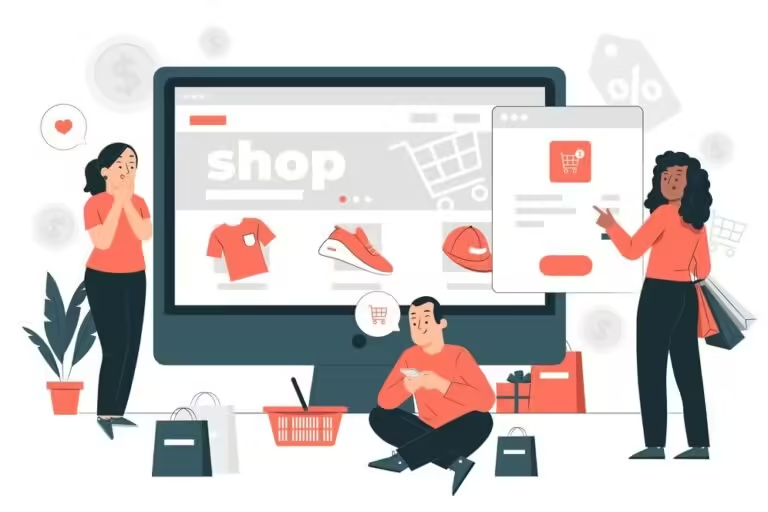
Integration of the online store with payment systems
Selection of payment methods
Offering a variety of payment methods increases the chances of customers completing their transactions. The most popular solutions include:
- Bank transfers: option based on a traditional transfer.
- Online payments (PayU, Przelewy24, Dotpay, PayPal): fast and convenient, often used in Poland.
- Credit and debit cards: enable immediate payment execution.
Transaction security
In the context of payments, it is crucial to guarantee the highest level of security, which instills buyers' trust.
- Choose proven payment systems that provide SSL certificates and encrypted connections.
- Consider implementing customer verification processes (e.g. 3D Secure) for card payments.
- Monitor transactions for fraud attempts.
Testing the online store
Functionality and usability
Before you launch your store, it's essential to conduct comprehensive testing. Check:
- Does adding products to the cart and placing orders work properly?.
- Do all payment methods function flawlessly?.
- Is the user registration and login procedure intuitive?.
- Are the product search, filters and sorting errors free?.
Performance and loading speed tests
Page loading speed directly impacts customer experience. Long waits for products to load can deter shoppers.
- Use Google PageSpeed Insights to diagnose issues affecting performance.
- Implement recommended optimizations (e.g. image compression, caching, minification of CSS and JS files).
Responsiveness and browser compatibility
To avoid losing customers who use different devices and software, ensure your store displays correctly in popular browsers (Chrome, Firefox, Safari, Edge) and on mobile devices. Make code adjustments as needed to maintain high-quality user experience.
Marketing and promotion of the online store
SEO (Search Engine Optimization)
Search engine optimization of your online store is the foundation of long-term e-commerce success.
- Optimize meta tags (title, description): match them to the page content and keywords.
- Taking care of loading speed: Google promotes sites that offer fast and stable performance.
- Creating valuable content: Regularly publish blog articles, product guides, and other materials that will attract an audience and improve your visibility in the SERPs (Search Engine Results Page).
SEM (Search Engine Marketing)
In addition to organic SEO, it's worth investing in sponsored link campaigns (Google Ads). These allow your store's ads to appear in search results immediately when users enter specific keywords.
- Choose your keywords carefully to reach potential buyers.
- Control your daily budget and cost-per-click (CPC) rates to ensure your campaign is profitable.
Social media and email marketing
Social media promotion (Facebook, Instagram, TikTok) allows you to build relationships with customers and create a community around your brand. It's also worth conducting email marketing activities (newsletters, automated welcome messages) to inform you about promotions and new products.
- Regular posting on social media increases brand awareness.
- Email marketing campaigns build loyalty and encourage return visits.
- Skillfully segment your audience by offering them content tailored to their interests.
Traffic analysis and strategy optimization
Continuously monitor visitor statistics, conversion rates, and customer behavior in your store. Analytical tools (e.g., Google Analytics) will allow you to discover which marketing activities are yielding the best results and which ones need improvement.
- Track the popularity of individual products and categories.
- Compare the effectiveness of different marketing channels (SEO, SEM, social media).
- Test modifications to your page layout and special offers to find the most effective solutions.

FAQ – most frequently asked questions about creating online stores
What are the most popular platforms for creating online stores?
The most frequently chosen solutions are WooCommerce (WordPress), PrestaShop, and Magento in the open source segment, as well as SaaS systems like Shopify, Shoper, and Shoplo. The choice depends on the project size, budget, and level of technical expertise.
Do I need specialized programming skills to set up an e-shop?
This isn't necessary. Many platforms (especially subscription-based SaaS ones) offer intuitive wizards for self-configuration. However, for more advanced projects and custom features, developer assistance may be necessary.
How important is it to have unique product descriptions in your store?
This is crucial. Unique, attractive product descriptions and photos are not only valuable to customers but also contribute to search engine rankings. Copied content can negatively impact a store's visibility in Google results.
How long does it take to create a professional online store?
This depends on the scale and complexity of the project. Simple stores can be created in just a few days, but more complex implementations (with multiple integrations and dedicated graphic design) can take anywhere from several weeks to several months.
What are the costs of launching an online store?
Costs vary depending on the chosen platform, project scale, and functionality. Expenses include hosting, domain, plugin licenses, and subscription fees (for SaaS solutions). Additionally, a marketing budget must be factored in.
Is it difficult to integrate an e-shop with payment systems?
Most popular e-commerce platforms and payment gateways offer ready-made modules for quick integration. All you need to do is create an account with your chosen payment service (e.g., PayU, Przelewy24) and enter the appropriate API keys in the store's administration panel.
How can I increase traffic and sales in my newly launched e-store?
Focus on multi-channel marketing efforts, including SEO, paid Google Ads campaigns, social media, and email marketing. Don't forget about data analysis, testing new solutions, and continuously improving your offerings.
Summary
Creating an online store is a multifaceted process that requires commitment at every stage – from thorough market and competition analysis, through designing an intuitive interface, to implementing advanced payment methods and marketing strategies. With a solid foundation in the form of a well-thought-out business concept and the right choice of e-commerce platform, you have the opportunity to create a store that is user-friendly and effectively generates profits. Good luck with your e-store's development!